- C# 97.4%
- ANTLR 2.4%
- GLSL 0.2%
| Filename | Latest commit message | Latest commit date |
|---|---|---|
| .github/workflows | ||
| .vscode | ||
| clmath | ||
| clmath.test | ||
| docs | ||
| .gitattributes | ||
| .gitignore | ||
| clmath.sln | ||
| icon.ico | ||
| LICENSE | ||
| README.md | ||

clmath
A commandline tool for evaluating algebraic functions and displaying those
Features
Simple math evaluation
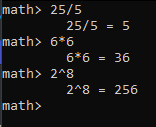
clmath can evaluate simple math expressions either as program arguments, or inside the math shell.
Algebraic function evaluation
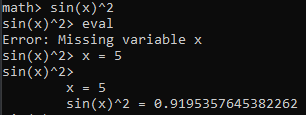
clmath supports a strong toolset to store, display and evaluate algebraic functions. A function can be loaded as program arguments, or inside the math shell.
Functions support an infinite amount of variables, which need to be defined before evaluation.
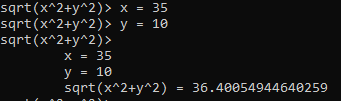
Once loaded, a function can be stored with a simple name to be loaded later or to be re-used inside other functions.
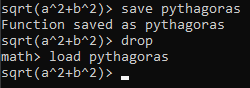
Function variables
Function variables may be defined as constant values, a subordinate term or an entire evaluation of another saved function.
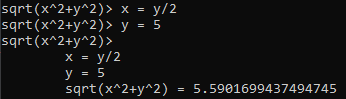
Function Graph
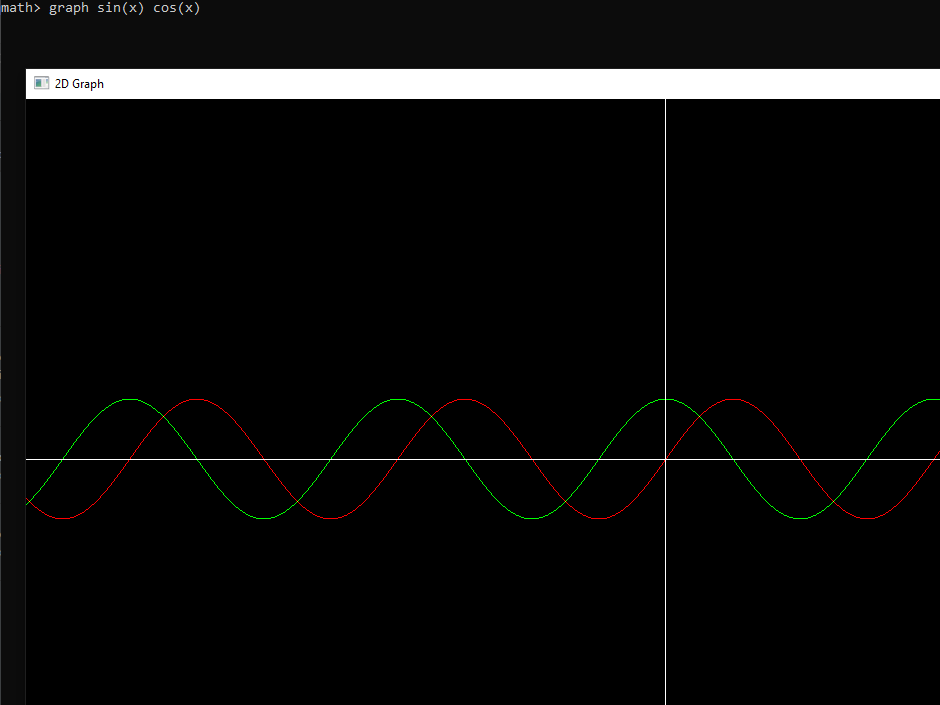
Functions that have exactly 1 variable can be displayed in a Graph using the graph command.
When in the normal math shell, or launching through program arguments, the graph can display up to 6 different functions by using graph <function_1> <function_2> <function_n>.